🤖
AI cluster review
An agent reviews the cluster every few minutes and shows a healthy / warning / critical verdict with concrete findings and recommendations — history persisted, trends on the dashboard.
A modern console with a built-in AI agent that continuously reviews your cluster, alerts you when something breaks, answers questions — and, with your approval, fixes things.

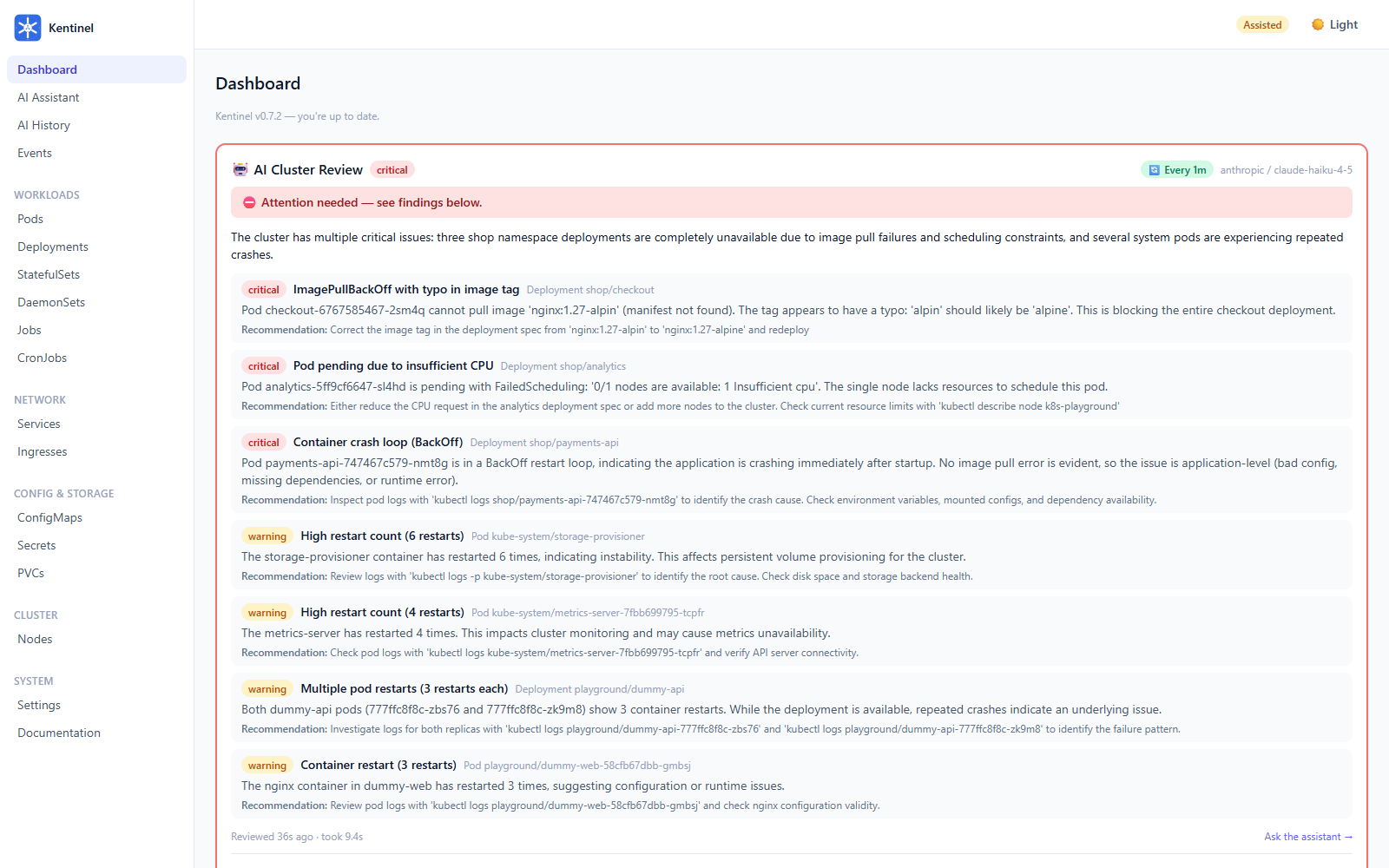
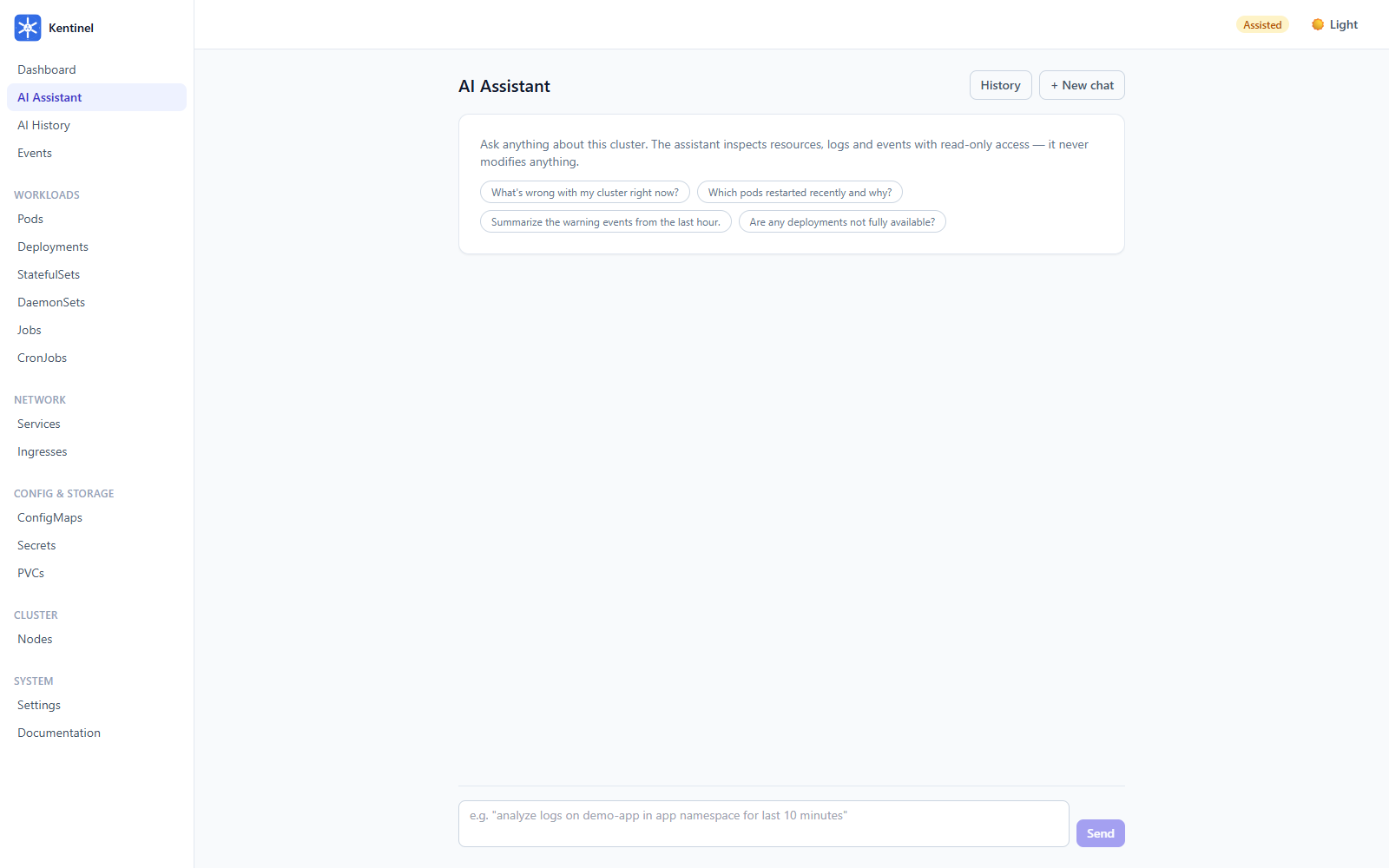
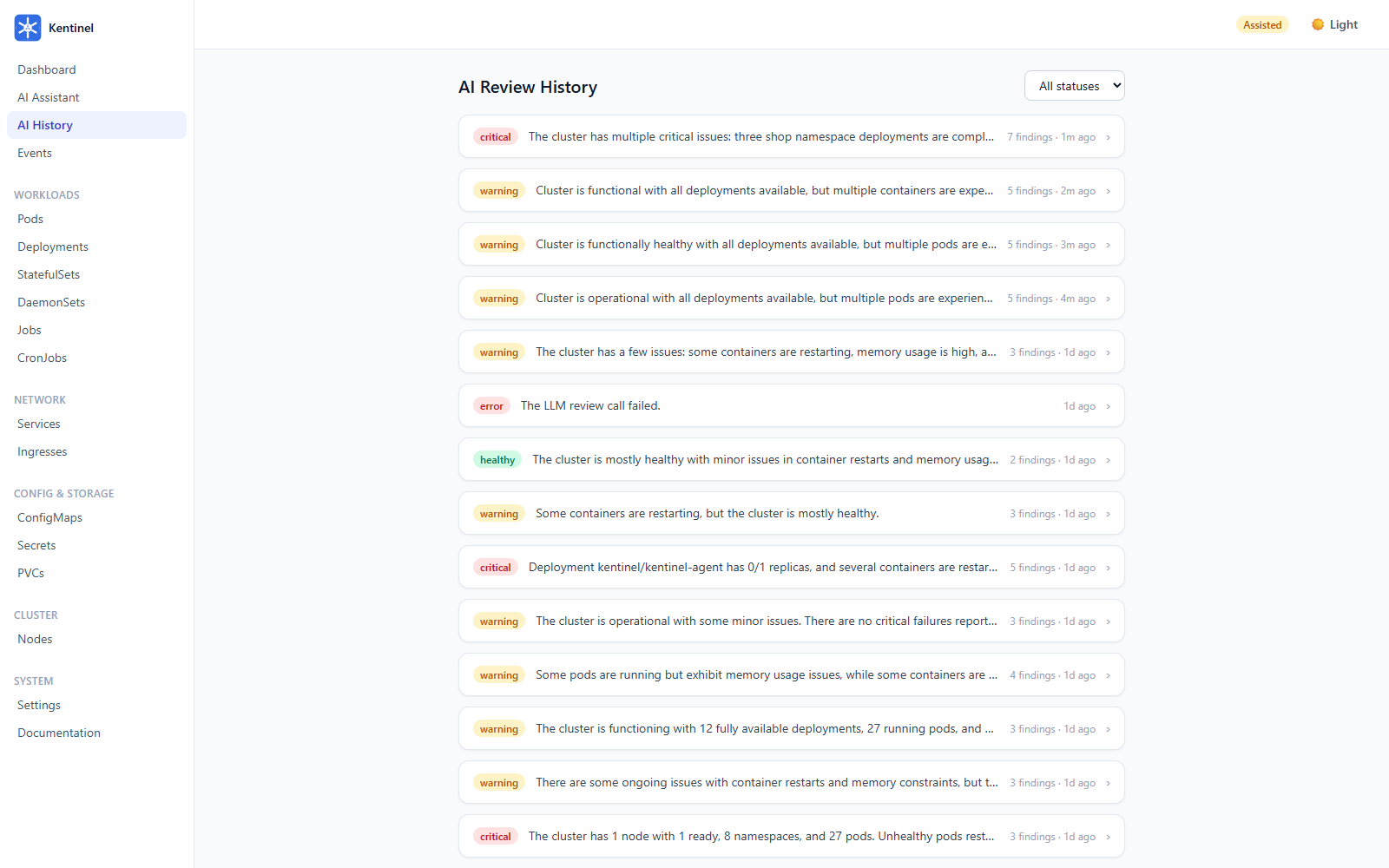
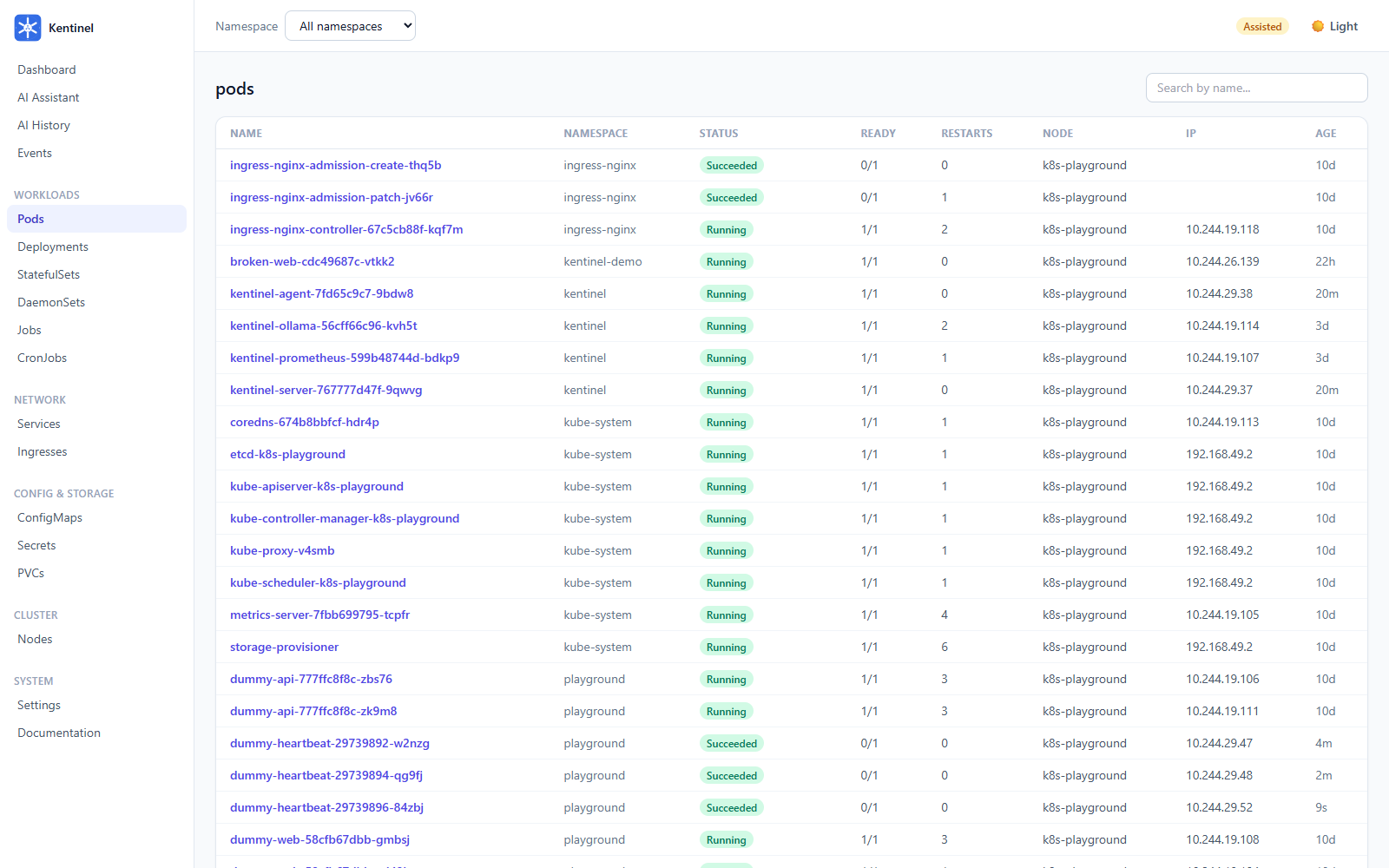
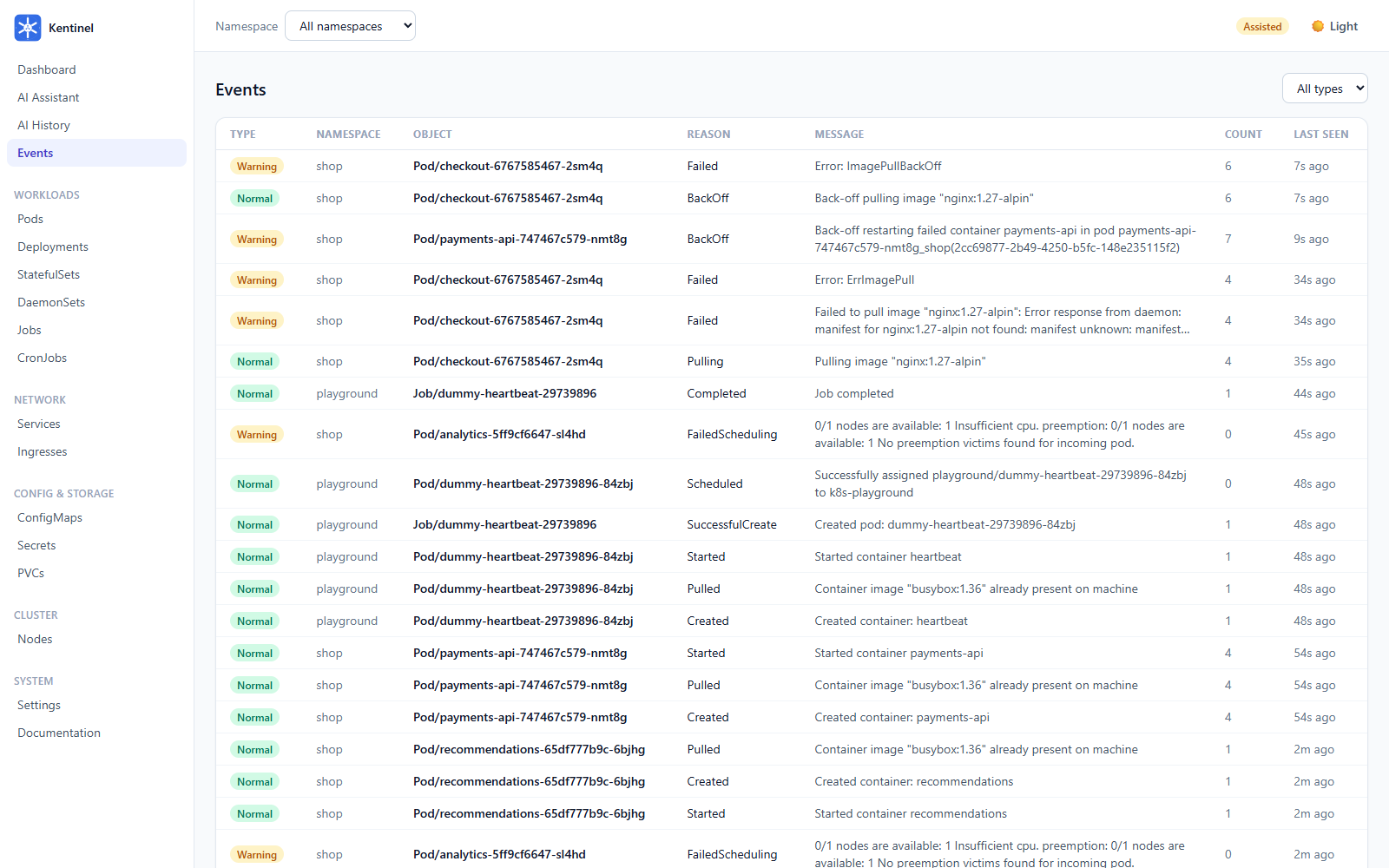
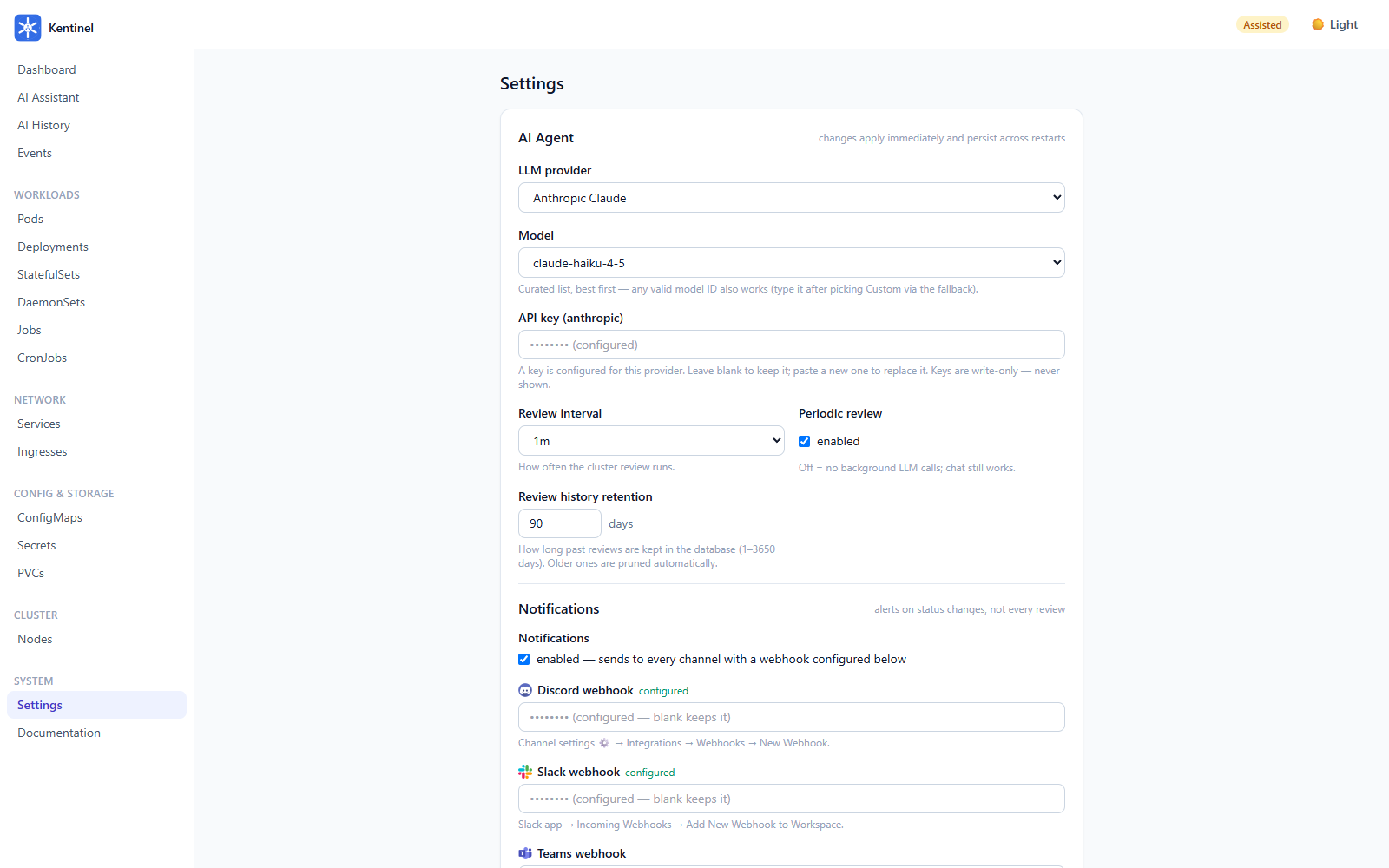
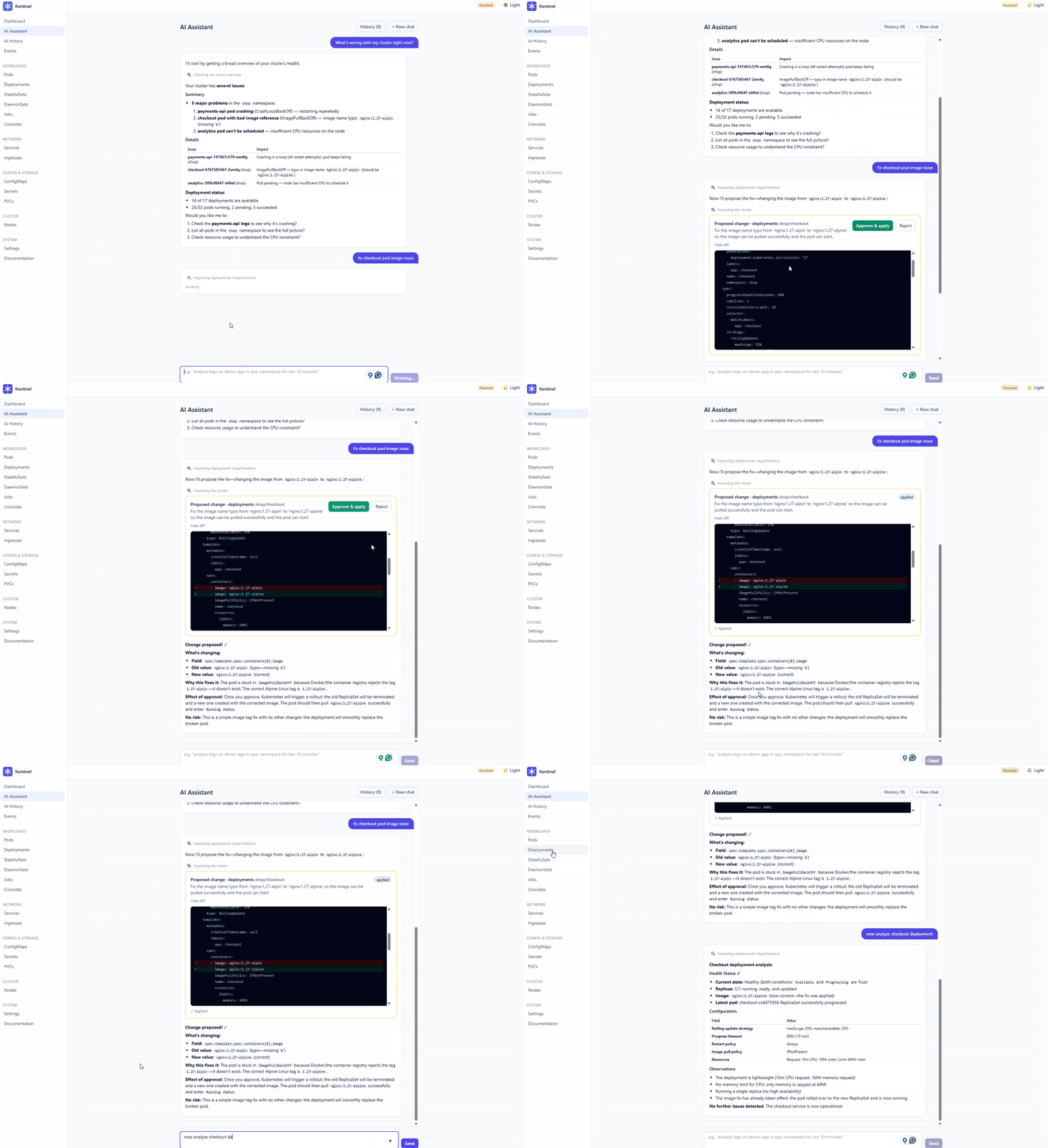
And the assisted-mode loop end to end — the assistant diagnoses the broken checkout pod, proposes the fix as a reviewable diff, and after an inline human approval the server applies it and verifies the rollout:
Runs local-first out of the box — a bundled Ollama and a bundled minimal Prometheus, no API keys required:
helm install kentinel oci://ghcr.io/emreoztoprak/charts/kentinel \
  -n kentinel --create-namespace

kubectl -n kentinel port-forward svc/kentinel-server 8080:80
# open http://localhost:8080
Prefer Docker on your laptop? See Deployment — a single docker compose up works against any cluster your kubeconfig can reach.
By default Kentinel installs in read-only mode: it observes and answers questions but cannot change any resource. Deploy with --set mode=assisted to enable approval-gated remediation, manifest editing, and the pod terminal — details in Security.
A demo microservice stack ships with the repo — deploy it healthy, then break it in four realistic ways:
make demo-up        # healthy "shop" namespace: storefront, orders-api, cache
make demo-incident  # four distinct incidents appear
# watch the dashboard flag them, then ask the assistant:
#   "why is payments-api failing? check its logs"
make demo-reset     # back to green (recovery notification!)